Submission Checklist
Use this checklist to submit your work from the IDE.
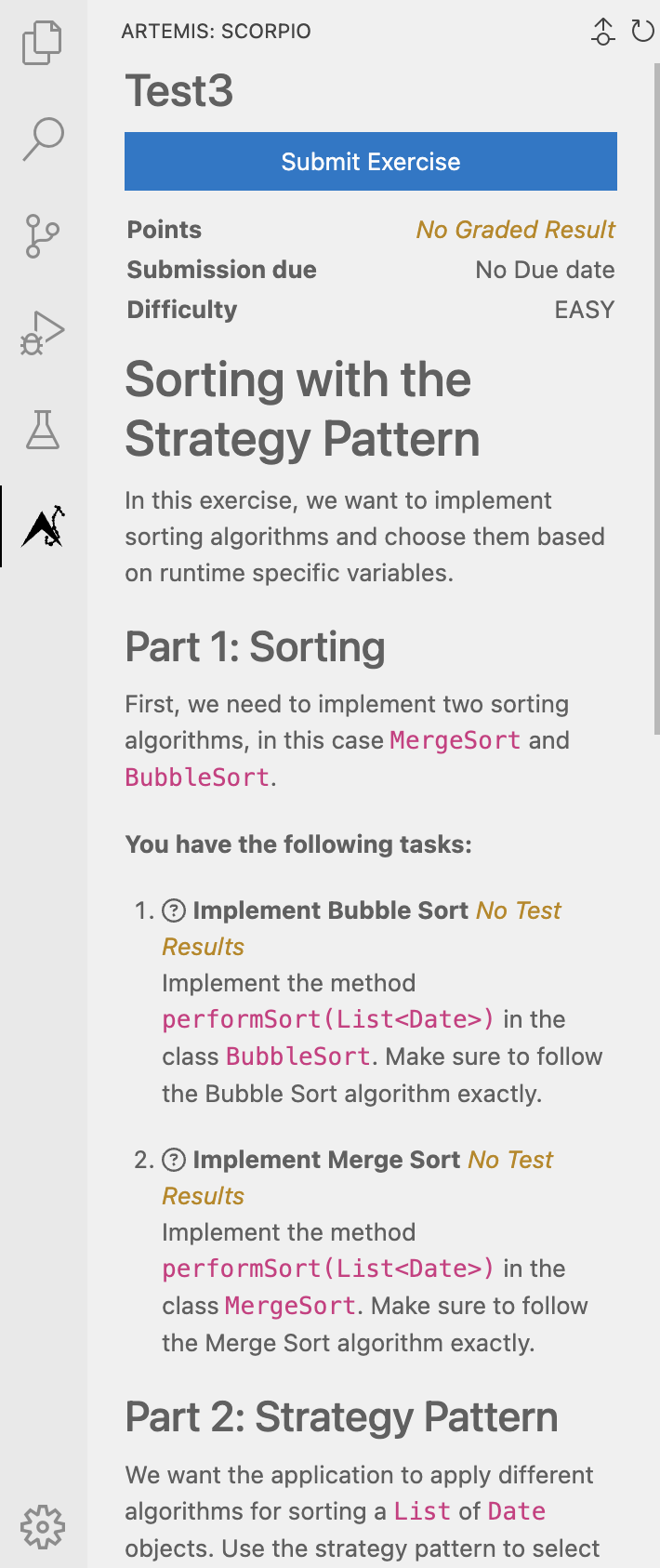
1) Open Scorpio
In the IDE activity bar, open Artemis: Scorpio.
2) Verify exercise details
Make sure the correct exercise and task are shown.
3) Submit your exercise
Click Submit Exercise.
4) Review feedback
Check the latest result in the same panel.
If feedback is delayed, wait a moment and refresh the panel.
Done when
- code is saved
- submission was sent
- latest feedback was checked