First Login
Use this page for your first login flow.
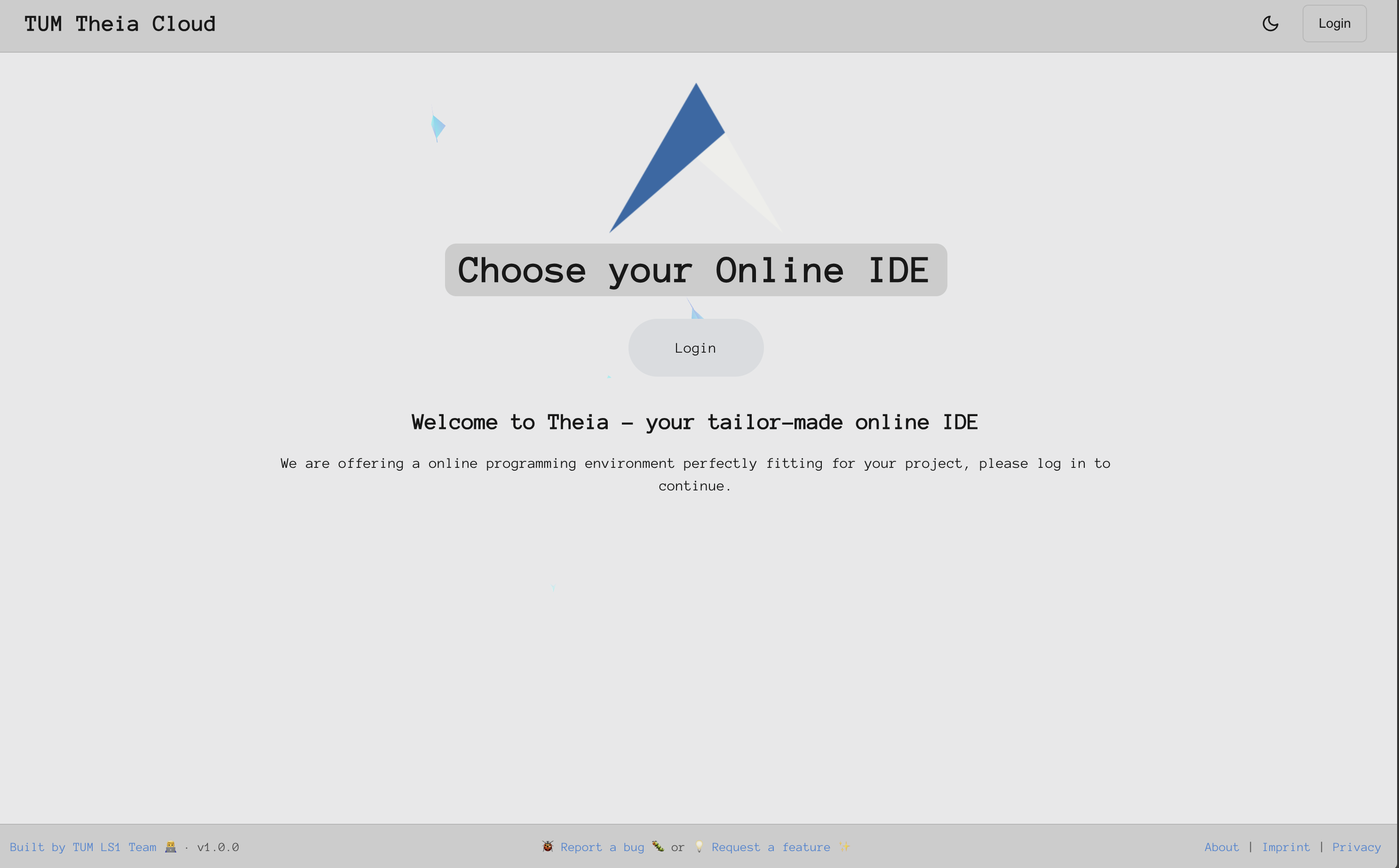
1) Open the login page
Open https://theia.artemis.cit.tum.de/ in your browser.
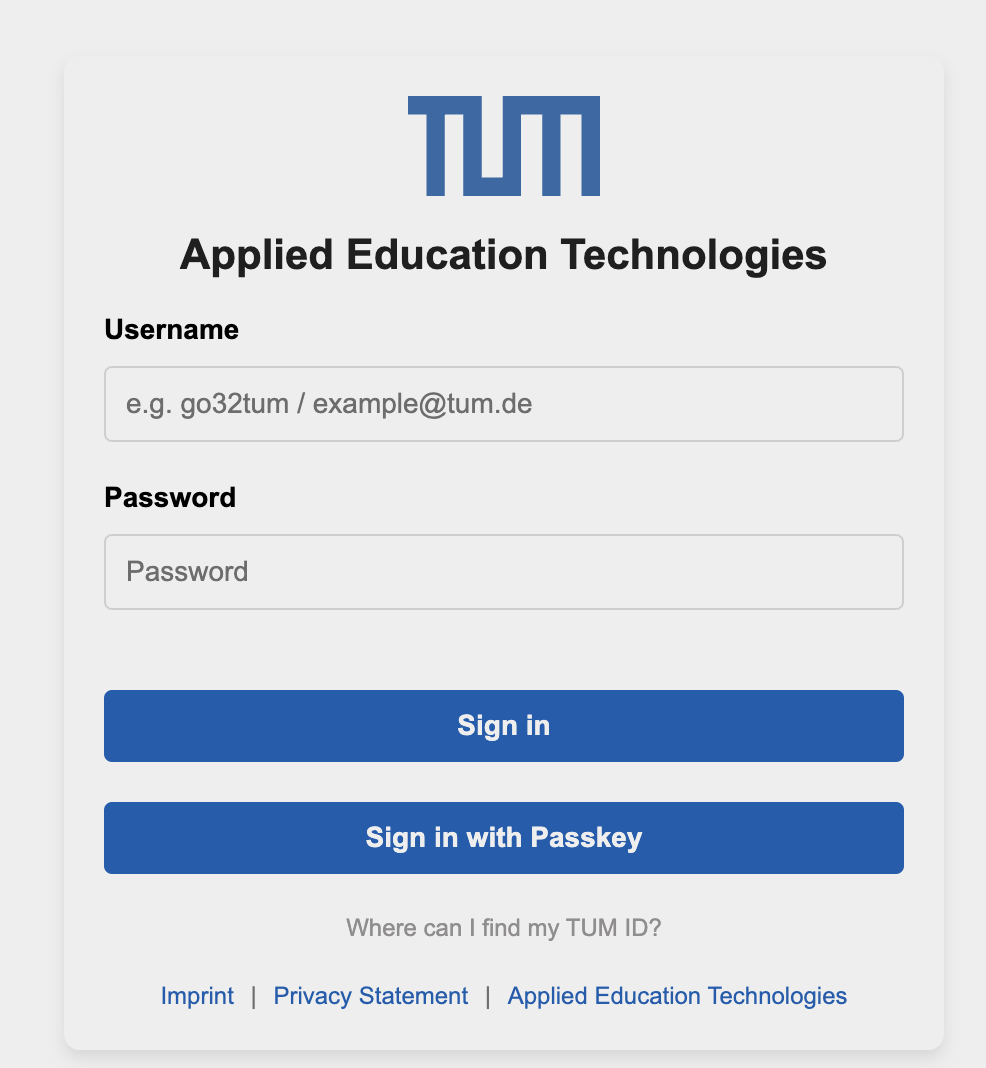
2) Sign in with your account
Complete the login flow shown by your course setup.
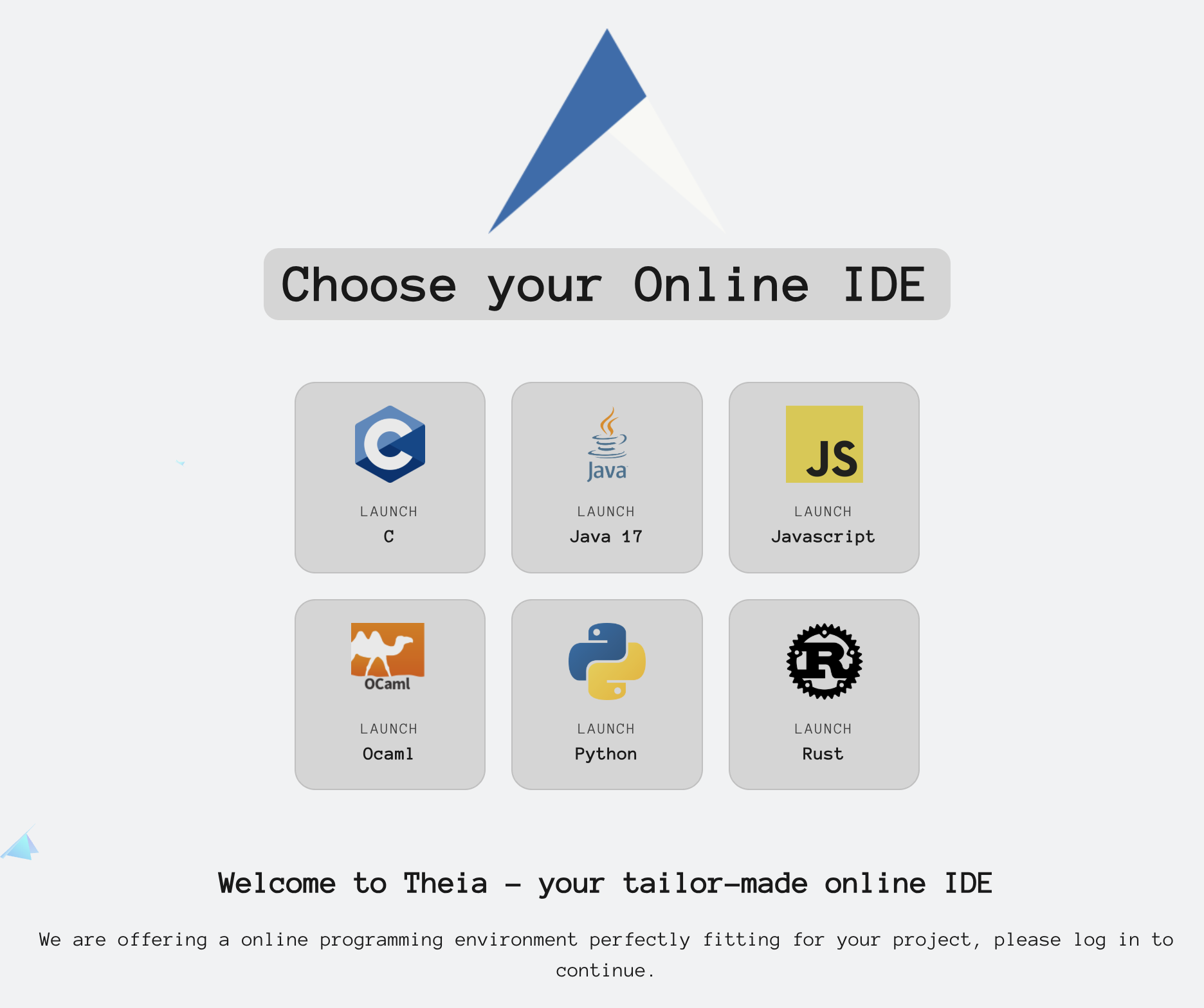
3) Confirm you reached the launcher
After login, you should see the IDE app tiles.
Next step
Continue with First Start.
If your course starts from Artemis exercises, you can also use Start from Artemis.