Start from Artemis
Use this path when you begin from an Artemis exercise page.
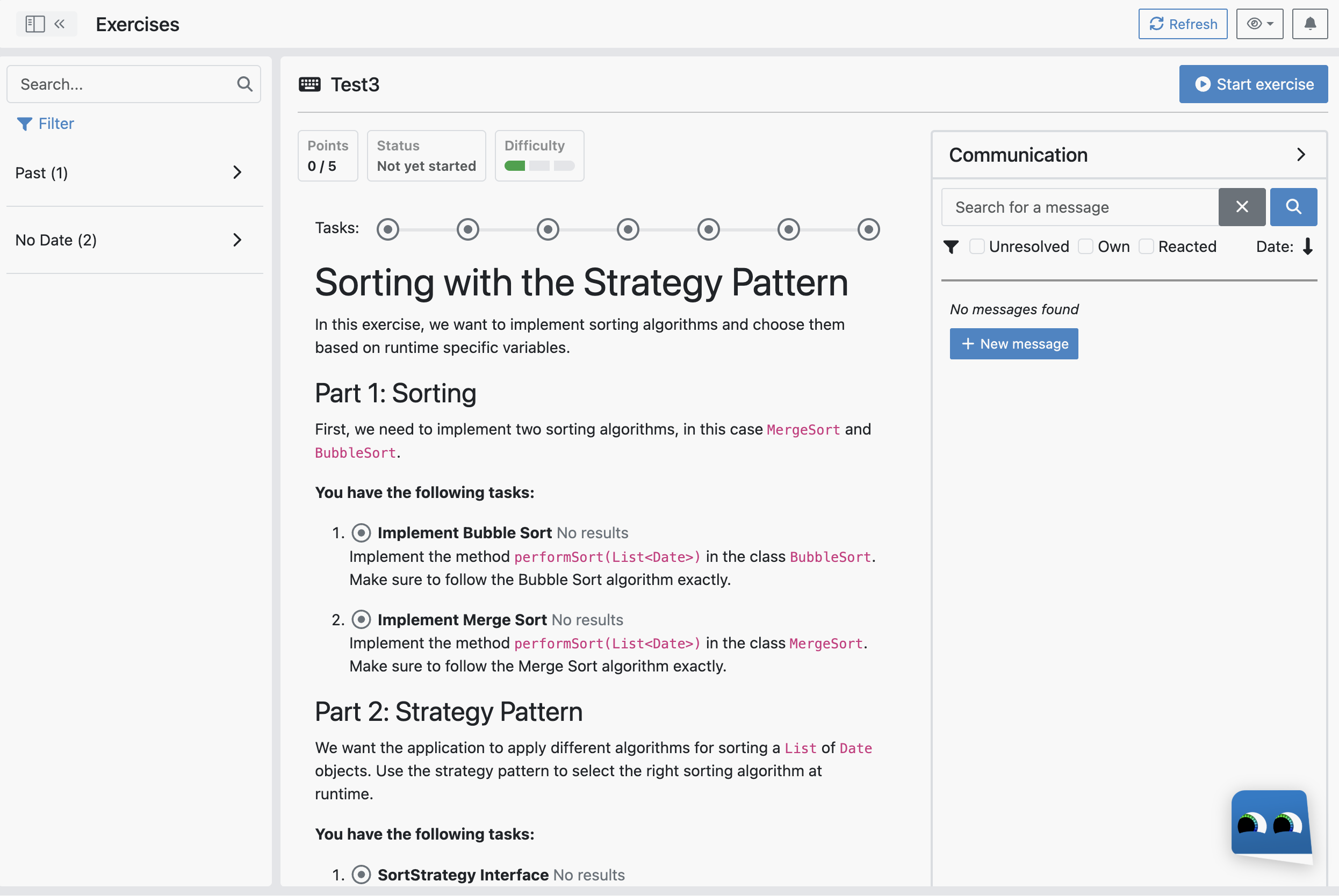
1) Start the exercise
Open your exercise in Artemis and click Start exercise.
2) Open the online IDE
In the repository section, click Open online IDE.
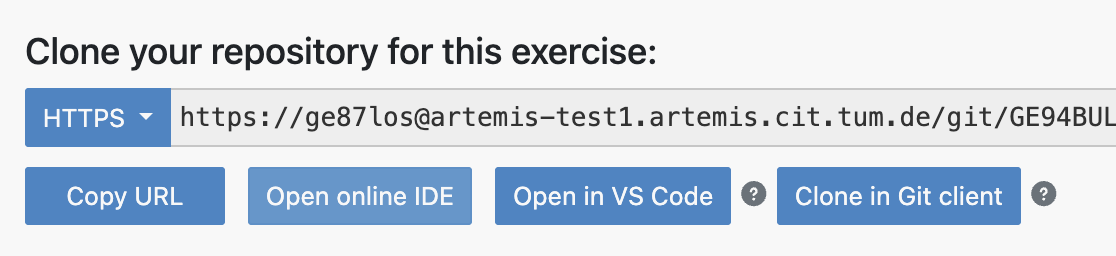
3) First-login retry (current workaround)
If you are asked to log in, complete login, return to the Artemis exercise page, and click Open online IDE again.
This can happen on the first login.
4) Continue in EduIDE
When the IDE opens, continue with the Workspace Tour.