First Start
Use this page for your first start.
1) Open the launcher
After login, go to the IDE launcher page with the app tiles.
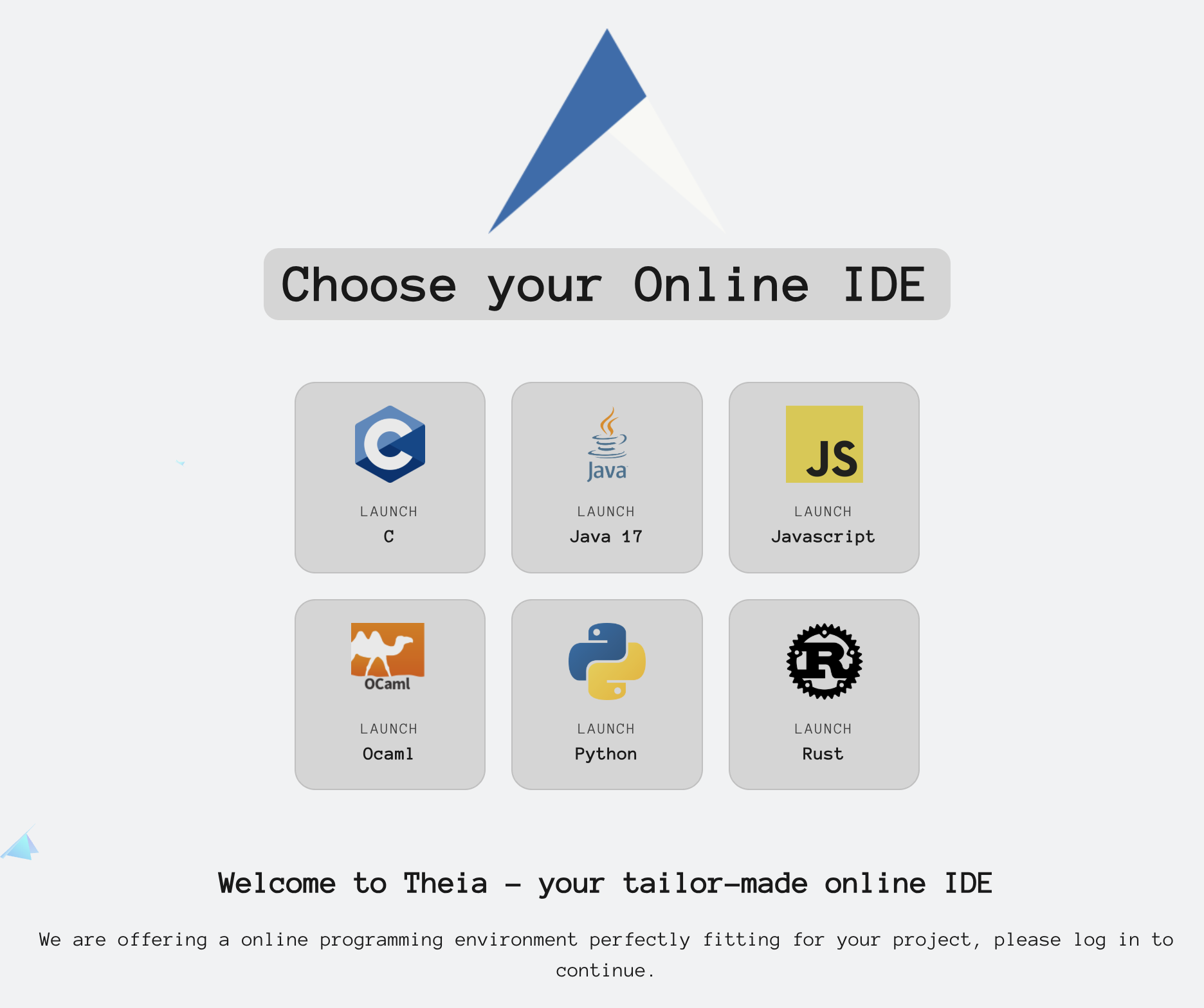
2) Launch Java
Click Launch Java.

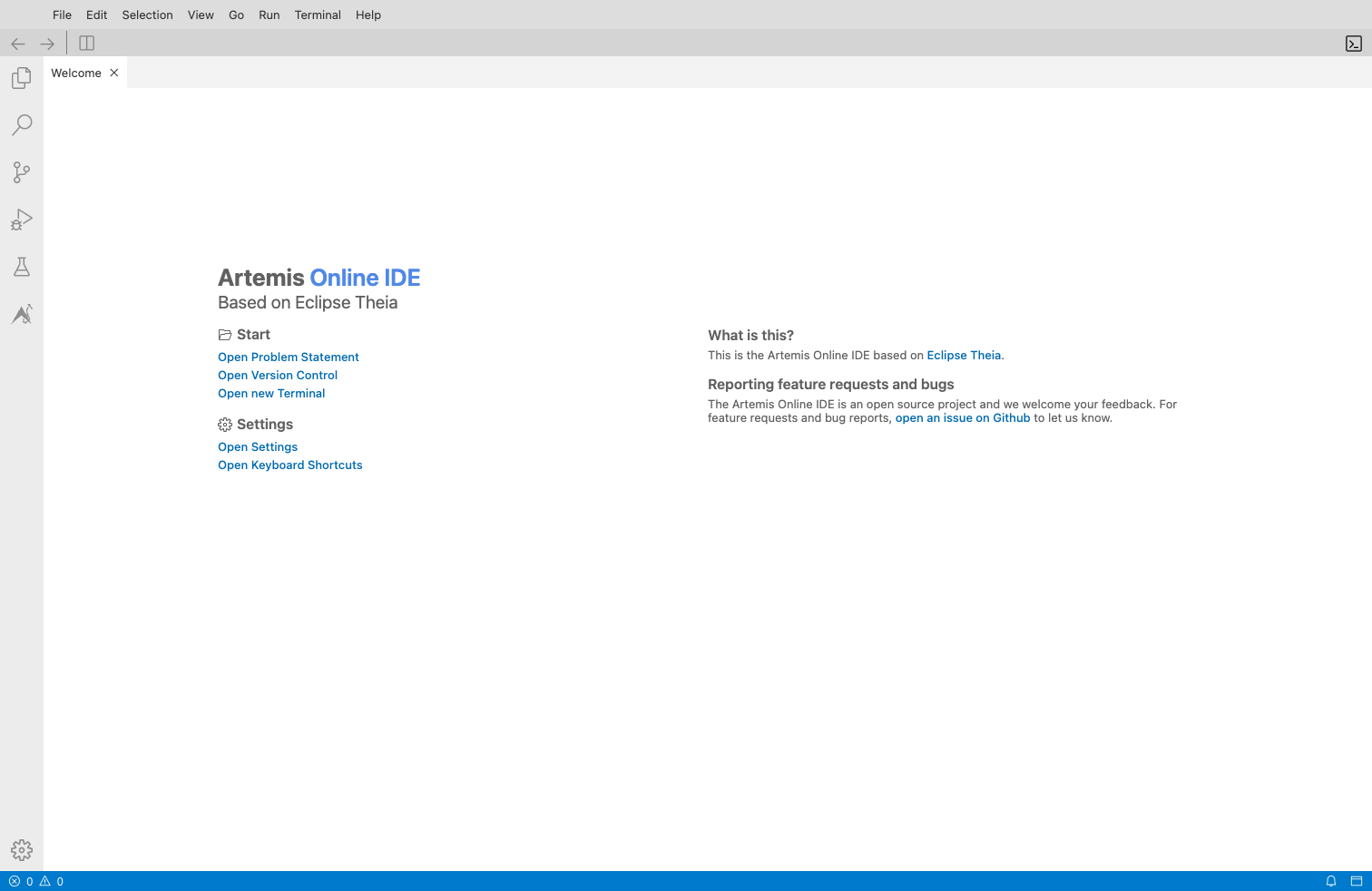
3) Wait for the IDE to open
The IDE opens in a new session URL.
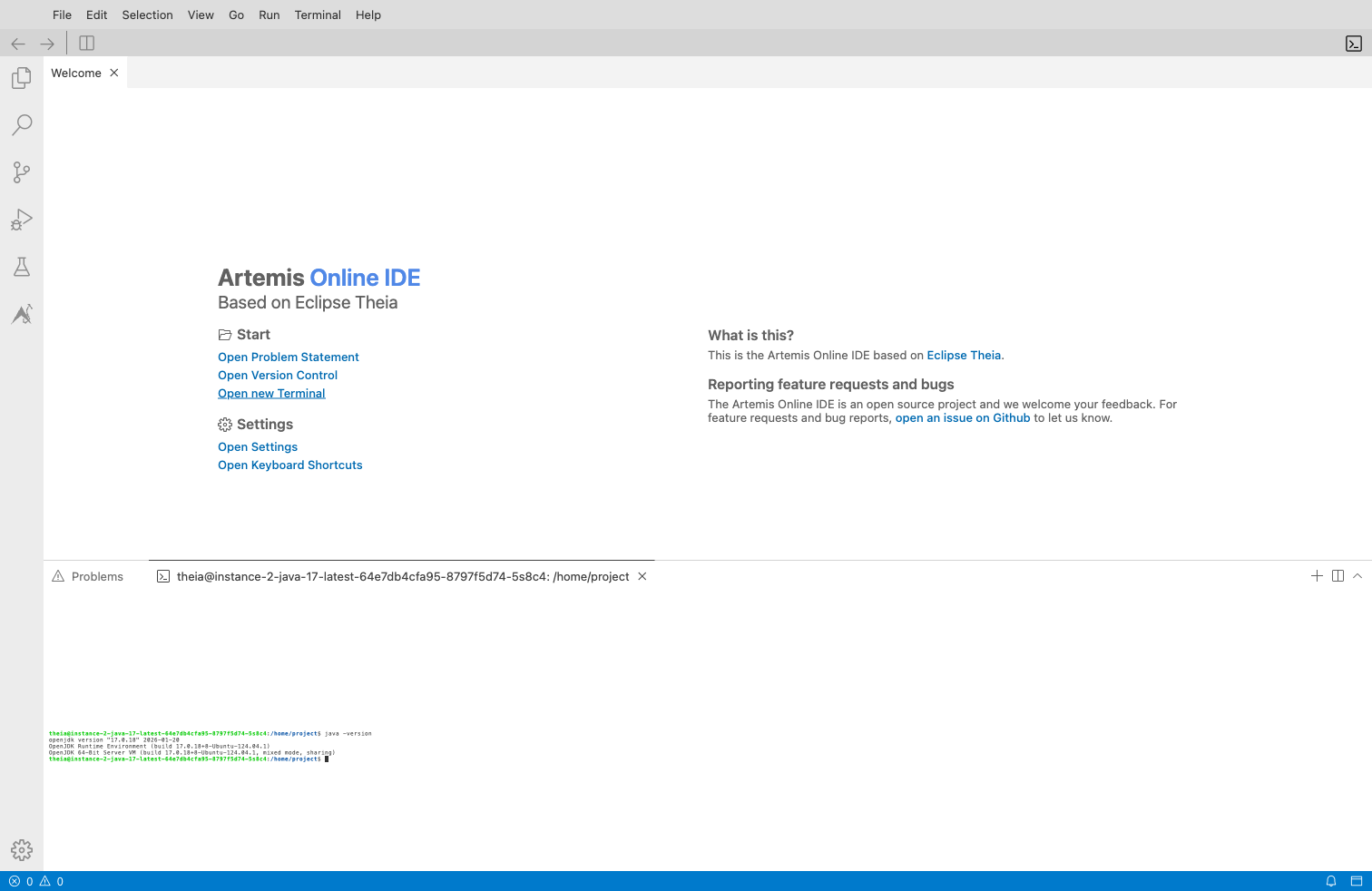
4) Quick success check
Open a terminal and run:
java -version
If you see a Java version output, your workspace is ready.
Next step
Continue with the Workspace Tour.
If your course launches from Artemis, use Start from Artemis.